01
Create your model
Describe the person you want to create. Generate a reference and save it in My Models.
FOR YOUR NEXT FASHION COLLECTION
Bring your pieces to life with AI. Create a model and a scene, save both references, then reuse them with the next product in your collection.
No credit card needed to create your account
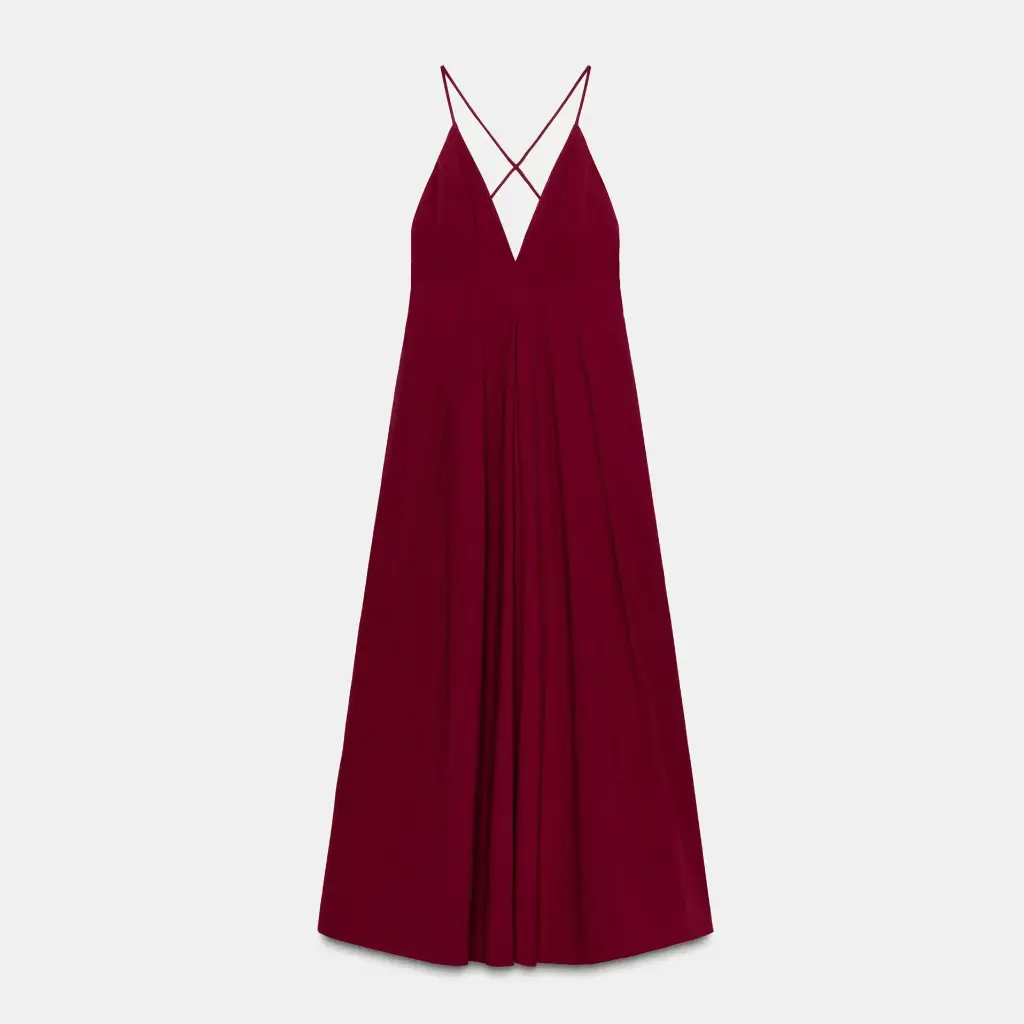
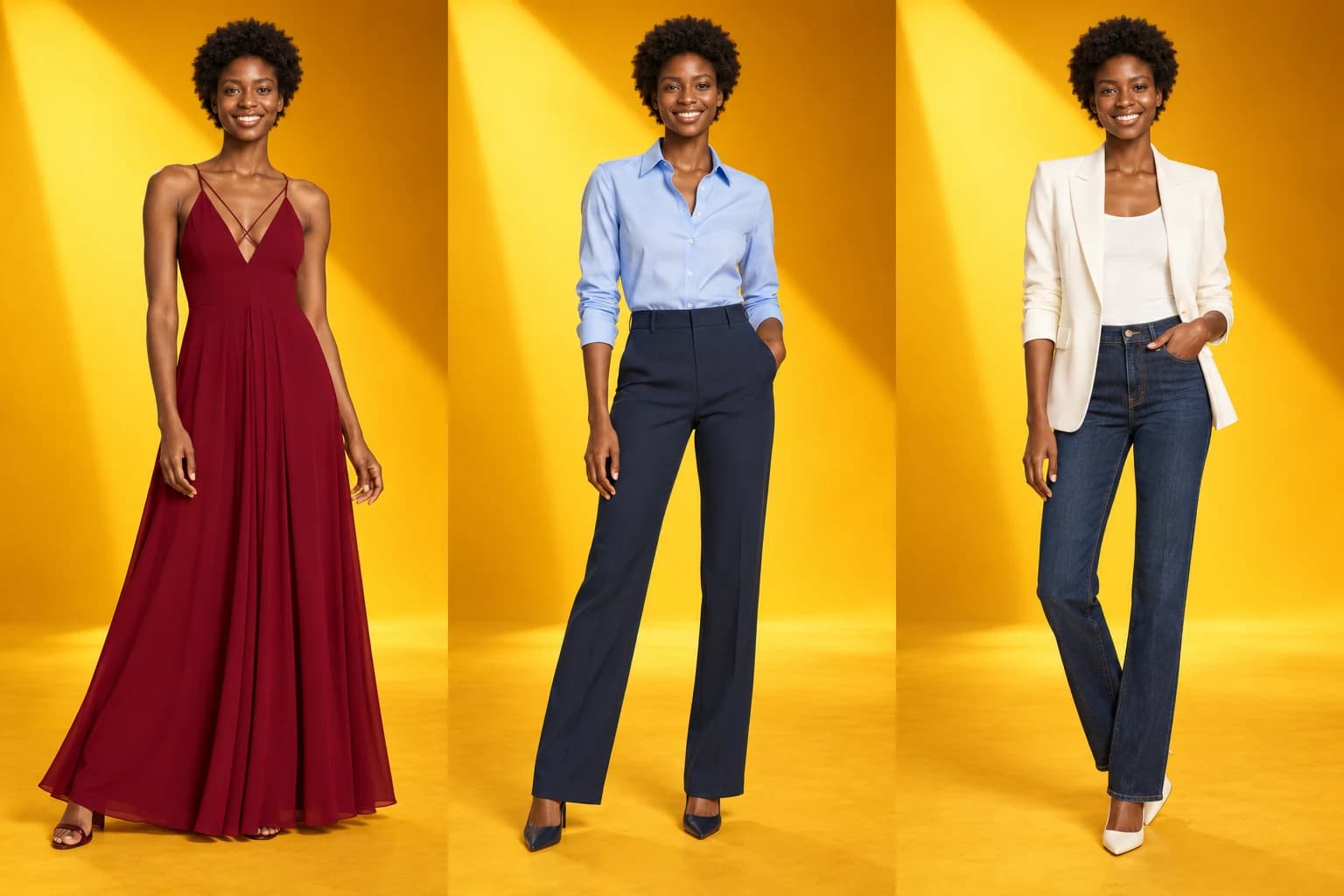
Illustrative AI example. Review each result; product details and model appearance may vary.
NOW ADD THE NEXT PIECE
Select your saved model and scene again when generating each new product. Build your collection one image at a time, instead of starting your references from scratch.
Different products. The same references guiding each image.
FROM YOUR REFERENCES TO THE NEXT IMAGE
01
Describe the person you want to create. Generate a reference and save it in My Models.
02
Describe the setting, colors and light. Save the reference in My Scenes.
03
Upload its photos, select your saved references and generate. Review the image before downloading.
Model → scene → product → generation → next piece.
Workflow demonstration based on the LookBoost interface. AI-generated examples; generation times shortened. Review each result.
A campaign starts with your references.
In My Models, describe the person you want: a Black woman, one metre eighty-six tall, always smiling. Generate and save.
In My Scenes, describe a yellow studio with triangular light and shadows. Generate and save it too.
Now, upload your product photo.
Select your saved scene and model. Click Generate Image.
Review the result. For another product, reuse the same references.
Create your LookBoost account and get five free credits.
YOUR CREATIVE WORKSPACE
You can also create images in tools such as ChatGPT and Gemini. LookBoost brings product references, saved models and scenes, generation history and downloads into a workspace built around fashion commerce.
Keep the model and scene you chose in their libraries and select them for the next product.
Use up to four product photos to guide each generation, alongside your model and scene references.
Find previous generations in your history, review the details and download your selection.
The value is the workflow and reusable references. AI results still need review; identical appearance and product details are not guaranteed.
An AI chat may suit your needs. LookBoost offers a focused workflow: product photos, saved model and scene references, generation history and downloadable files. Its benefit is keeping those steps together when working through a collection, rather than a promise of better AI in every case.
You generate one image at a time. For the next product, select the same saved model and scene references. Those references guide the result; review each image because appearance and product details can change.
An email address, a password and clear photos of a product you want to use. After confirming your email, you can create or select your scene and model references. Creating the account does not require a credit card.
New accounts receive 5 free credits. If you want to continue after using them, you can buy a credit pack. Free generations include a LookBoost watermark until a pack is purchased.
START WITH ONE PIECE
Create your free account and receive 5 credits to explore image, model or scene generation. Each generation uses credits; you choose what to create first.
No credit card needed to create your account